Choose one promise
Pick an audience and one repeatable idea. “A nostalgic techie reacts to everyday technology” is easier to build than “a channel about everything.” Write what a viewer gets from each episode.
THE CREATOR’S WORKBENCH
You don’t need a whole fictional universe to start. Just one character. One small story. One finished video.
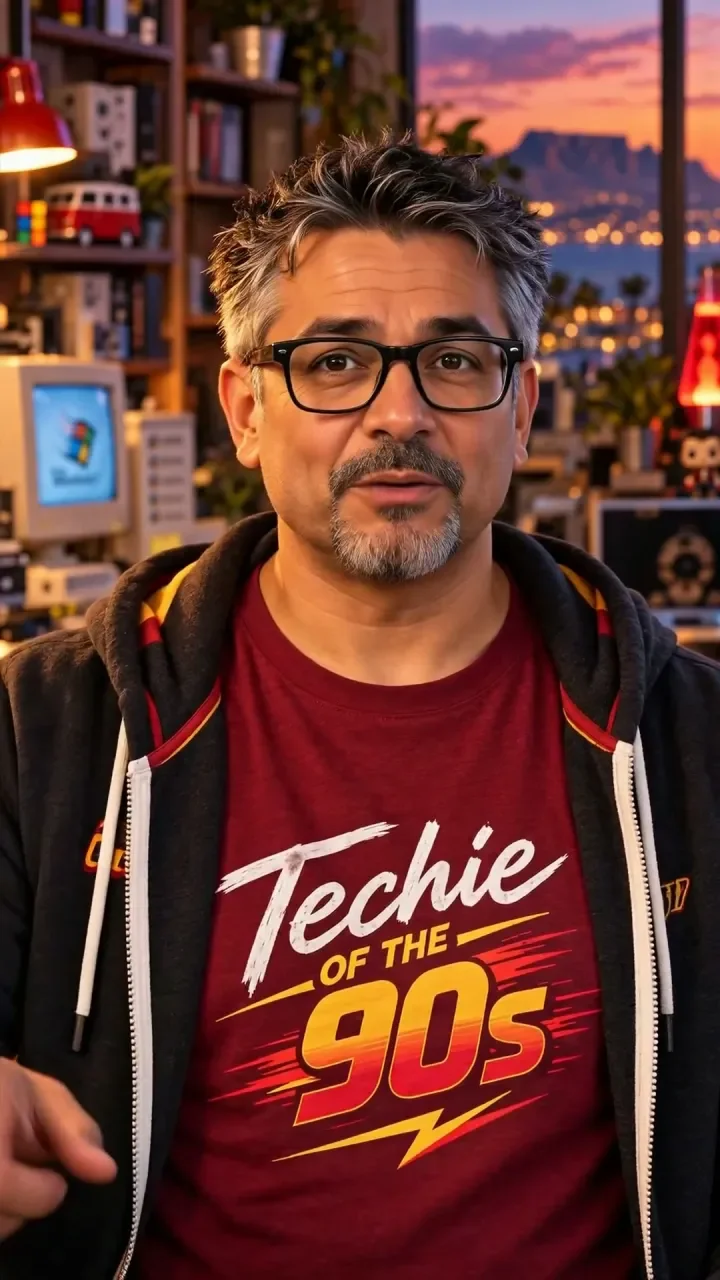
Here’s the approach behind Techie of the 90s: ChatGPT for ideas and scripts, HeyGen for Barry’s presenter videos, and OpenArt for Max’s stories. Take the principles and make something of your own.
Start your first project ↓Independent guides by Techie of the 90s. Not official training from the tool providers.
01 / YOUR FIRST FINISHED VIDEO
Pick an audience and one repeatable idea. “A nostalgic techie reacts to everyday technology” is easier to build than “a channel about everything.” Write what a viewer gets from each episode.
Create a short brief and one reference image. Save the look, voice rules, setting and colour palette. Use your own character and authorised references rather than copying Barry or Max.
One setup, one turn, one payoff. Read it aloud before generating. Timing estimates are a starting point; natural delivery decides the actual length.
Use a small preview to check identity, voice and pacing. Review the tool’s current cost and limits before a paid render. Correct the specific problem before making more clips.
Watch with sound and again without it. Check captions on a phone, confirm the opening makes sense and keep important text away from platform controls.
Write a caption that suits the platform, disclose the fictional AI character and use a relevant question. Compare a few episodes before deciding what worked.
02 / WHAT WE USED
You don’t need every paid subscription to begin. Choose the tools for the format you want to make; check current plans, credits and commercial-use terms directly with each provider.
PLANNING & WRITING
Used here to develop ideas, shape scripts, refine prompts and prepare release copy. Give it context, examples and a precise output request. Review factual claims yourself.
Visit ChatGPT ↗Ordinary link · no commission earnedBARRY’S PRESENTER WORKFLOW
Used for Barry’s avatar-led videos and voice. Choose an authorised avatar and voice, approve the exact words, then review a small render before the finished episode.
Visit HeyGen ↗Ordinary link · no commission earnedMAX’S CHARACTER STORIES
Used to create Max content, as confirmed by the creator. The guide below focuses on story beats and reference consistency; model controls and results vary.
Visit OpenArt ↗Ordinary link · no commission earnedLOCAL EDITING & EXPORT
Used in the local finishing workflow for assembly, captions and export. It is optional: beginners can use an editor they already know. FFmpeg itself is a command-line tool.
Visit FFmpeg ↗Ordinary link · no commission earnedTool-link disclosure: the links in this section are ordinary links. Techie of the 90s currently earns no commission from HeyGen, OpenArt, ChatGPT or FFmpeg. Any future affiliate link will be labelled beside the link. The separate eBay links in Retro Finds are affiliate links.
03 / PRESENTER-LED VIDEO
Best starting point when the character’s spoken delivery carries the episode.
Finish the joke before spending generation credits. For the shutdown episode, the contrast was an old PC asking permission to switch off versus a modern PC installing updates. That gave the episode one clear idea.
Keep a reference of your chosen avatar, voice and studio. Select these in HeyGen; a text prompt alone does not guarantee that the right account assets are chosen. Use your own authorised assets.
Ask for restrained gestures and clear dialogue. Let the script breathe. Barry’s finished shutdown episode was about 16 seconds; we did not stretch the speech to fill a target length.
Create a vertical 9:16 presenter video using my selected character avatar and voice, for which I have the necessary rights and consent.
Use the approved script exactly as written below. Keep the selected character identity, voice and setting consistent. Natural delivery, relaxed pauses and restrained gestures. Keep the presenter visible for most of the video. No full-screen text-only scenes. Do not speed up the speech to hit a target duration.
Prioritise clear dialogue. No background music. Leave room below the face for captions, away from the screen edges.
Before generating, confirm the selected avatar, voice, script and expected credit cost.
APPROVED SCRIPT: [paste your final script]
In the final edit, Barry stayed visible during the shutdown and update messages, with one illustrative power-button cutaway. Earlier full-screen text cards were removed after feedback. Use a cutaway when it clarifies the joke, not just to fill time.
The presenter is part of the story. Keep the character visible when that reaction is what the viewer came to see.
04 / CHARACTER-LED STORIES
For short visual stories where actions, objects and a payoff carry the scene.
Start with something the audience can understand at a glance: a controller that appears broken, an old phone everyone dismisses or a drone that won’t return. Give the character a reason to act.
Write the setup, attempt and payoff first. Decide which shots need the same character reference. Save a fixed description of the face, outfit, important props and setting.
Plan a short fictional story for my original character, using the reference images I provide.
Premise: [a small problem the character tries to solve]
Character description: [age range, face, hair, outfit and personality]
Setting: [location, time of day and visual style]
Write three beats: setup, attempt, payoff. For each beat, give a visual prompt, the character action, camera framing and any exact dialogue. Maintain the same face, outfit, props and environment across beats. Prefer one clear action per shot. Keep dangerous repairs off-screen; this is fiction, not a repair tutorial.
Return a shot list for review before generation. Identify which shots need the same character reference.
Use the reference features available in your selected OpenArt model. Keep prompts focused on a visible action and repeat the fixed character details. Compare each result with the previous shot before continuing.
Use the attached, authorised character reference as the identity anchor.
Character: [repeat the fixed description]
Wardrobe: [repeat the fixed outfit]
Location and lighting: [repeat the fixed setting]
Action: [one clear visible action]
Camera: [shot size and movement]
Expression: [specific emotion]
Style and aspect ratio: [your chosen style], vertical 9:16.
Keep the character and important props consistent with the reference. No additional characters, logos, captions or invented text. This shot is part of the approved sequence: [brief context].
A strong still is not the same as a working scene. Watch for changing hands, outfits, props and screen direction. Regenerate or cut an inconsistent shot; don’t assume the audience won’t notice.
These are reusable starting templates written for this guide, not a claim that every word was used in the original Max productions. There is no single prompt that guarantees consistent characters.
05 / FINISH THE JOB
A useful workflow ends with a reviewed video and a tidy project folder.
Save the approved script, original clips, references, subtitle file, edit project, cover and final MP4. Use names you can understand next month. Keep private account information out of public downloads.
Use short, readable phrases and correct the automatic transcript. Preview on a phone. Platform overlays differ, so test the intended destination rather than relying on one universal “safe area.”
Prepare the title, short caption, cover and any required AI-content label for each platform. Put affiliate disclosures beside the relevant link. Never present a fictional character’s product story as a real customer testimonial.
Review the attached final video and transcript for [YouTube Shorts / Instagram / TikTok / Threads]. Tell me which checks you can actually perform and which need my review.
Check: first-second hook, one clear story, caption spelling and legibility, consistent character, audio clarity, lip sync, awkward cuts, misleading claims and AI disclosure. Do not claim you listened or watched if you cannot access the media.
Then draft a short platform-specific caption and cover line. If a link earns commission, include an obvious affiliate disclosure near it. Do not invent product testing, earnings, prices or audience results. Do not publish until I approve the final version.
Record what changed: opening, length, topic or visual. Compare the available retention and audience responses, while recognising that one post cannot explain its own performance. Improve one meaningful thing next time.
06 / START WITH BETTER INSTRUCTIONS
Replace the bracketed details with your own. These are adaptable templates, not guaranteed results or exact transcripts of our original prompts.
Help me design an original fictional character for a short video series.
Audience: [who it is for]
Subject: [what the series is about]
Tone: [three adjectives]
Setting: [place and visual atmosphere]
Give me: a one-paragraph character brief, five voice rules, a visual reference brief, three recurring story ideas and a clear AI-character disclosure. Keep the character distinct from existing creators. Do not invent a real biography, qualifications or product experience.
Write three possible openings for a short vertical video about [one specific everyday problem]. Use my character brief below.
Build the best opening into a spoken script with one setup, one development and one payoff. Aim for about 20–30 seconds at a natural pace, but label duration as an estimate. No greeting or logo intro. Avoid unsupported facts and fake testimonials.
Return: exact spoken words, a simple visual plan, cover text of no more than five words, and one audience question. Flag factual claims I should verify.
Character brief: [paste yours here]
TOOL LINKS & EDITORIAL NOTES
Guides reflect the documented Barry production workflow and the creator’s confirmation that OpenArt was used for Max. They are independent practical guidance, not a promise of views, income or identical results. Tool interfaces and pricing change.
HeyGen and OpenArt advertise affiliate programmes. Our own tool affiliate links are not active yet. We have not verified a public cash affiliate programme for ChatGPT; its referral offers should not be assumed to pay commission.
Programme pages checked 16 November 2026. Each provider controls eligibility, approval, tracking and payouts. No commission rate or earning outcome is promised here.
Explore what we made ↗